Choose this when realism matters
Use the natural photo style when you want the image to feel like a better-lit version of you, not a costume, toy, or trend effect.
2026 quick summary
Natural Profile Photo Generator turns 1 clear selfie into a realistic, trust-focused profile photo from your selfie for Upwork, LinkedIn, WhatsApp; current generation is free and uploaded photos are not used for model training.
Turn a selfie into a realistic profile photo that looks current, approachable, and still like you.
People searching for a natural profile photo generator want a realistic profile picture that does not look over-edited or obviously AI.
client-facing profiles
freelance or service pages
daily social and messaging uses
Upwork
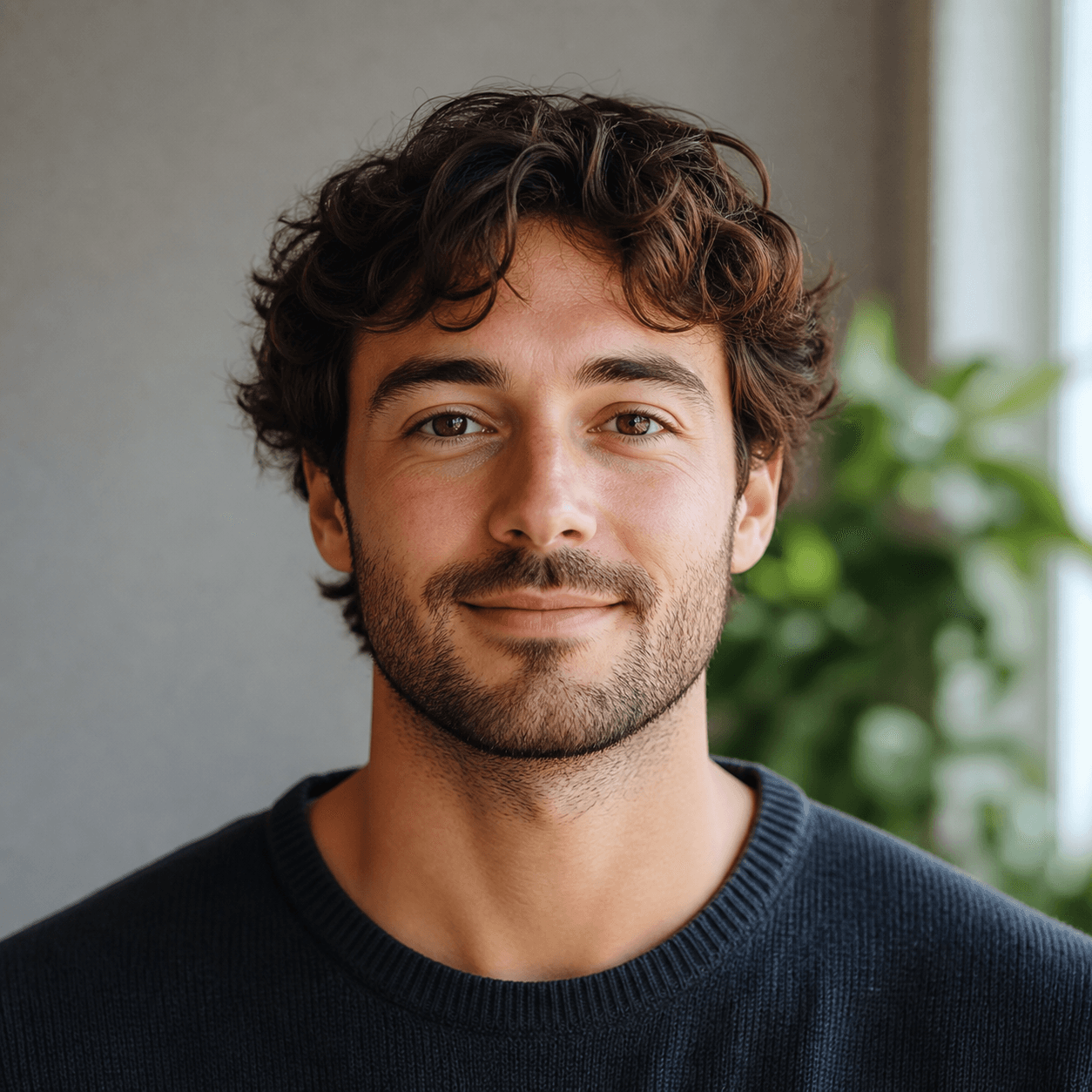
A natural profile photo generator turns a selfie into a clean, realistic portrait for work, social, freelance, and client-facing profiles.
Many AI avatars look too glossy, too stylized, or too far from the original person. A natural profile photo is useful when trust matters more than novelty: hiring, freelancing, therapy, tutoring, consulting, messaging apps, and any profile where people need to recognize you quickly.
Use the natural photo style when you want the image to feel like a better-lit version of you, not a costume, toy, or trend effect.
A front-facing photo with good light, visible eyes, and no heavy filter gives the generator enough real detail to keep the result believable.
This style works well for Upwork, LinkedIn, WhatsApp, therapy directories, tutoring pages, and other places where the profile picture should lower trust friction.
These are the practical questions users tend to ask when they are deciding whether this profile picture style fits their goal, their platform, and the impression they want to make.
Choose it when the person viewing your profile needs to trust you quickly. A 3D figurine or action figure avatar can be great for social sharing, but a natural profile photo is safer for clients, recruiters, students, patients, and people who need to know what you actually look like.
Use a clear selfie with real texture and avoid uploading a heavily filtered photo. The goal is to improve light, background, and clarity while keeping the face, expression, and skin detail believable.
It depends on the context. A LinkedIn headshot is more formal and professional. A natural profile photo is slightly warmer and more flexible, which can be better for freelancers, tutors, therapists, creators, and everyday messaging profiles.
Yes. This is one of the best styles for client-facing pages because it does not ask the viewer to decode an effect. It simply makes the person easier to see and trust.
A natural profile photo is a realistic portrait that improves lighting, background, and clarity without making the person look overly airbrushed or unlike themselves.
Yes. Freelance marketplaces depend on trust, and a natural profile photo usually feels more credible than a heavily stylized avatar.
That is the goal. Use a sharp selfie with visible facial detail so the final result stays anchored to your real likeness.
Yes. It works when you want a polished photo that still feels casual, human, and recognizable.
No. You can try the profile photo generator without creating an account first.
People who compare this style usually ask practical questions about fit, platform, source-photo quality, and whether the result will still feel like them.
Users want a realistic upgrade that avoids the glossy AI look.
They need a portrait that feels credible for service and freelance profiles.
They are comparing a warm realistic portrait with a more formal professional headshot.
They want source-photo and style guidance before uploading.
Compare LinkedIn headshots, Korean-style profile pictures, 3D figurine avatars, AI action figure avatars, and other popular looks in the full profile picture guide.
Read the profile picture guide