What makes a good LinkedIn headshot?
A good LinkedIn headshot should show your face clearly, use clean lighting, and feel professional without looking stiff. The goal is to make a recruiter comfortable taking the next step.
2026 quick summary
LinkedIn Headshot Generator turns 1 clear selfie into a realistic LinkedIn-style professional profile photo for LinkedIn, GitHub, email signatures; current generation is free and uploaded photos are not used for model training.
Generate a professional headshot from your selfie with clean lighting, realistic detail, and a polished business-ready look.
People searching for a LinkedIn headshot generator want a professional profile picture for job searching, recruiters, resumes, and business profiles.
job search and recruiter outreach
professional bios
work or resume profiles
GitHub
email signatures
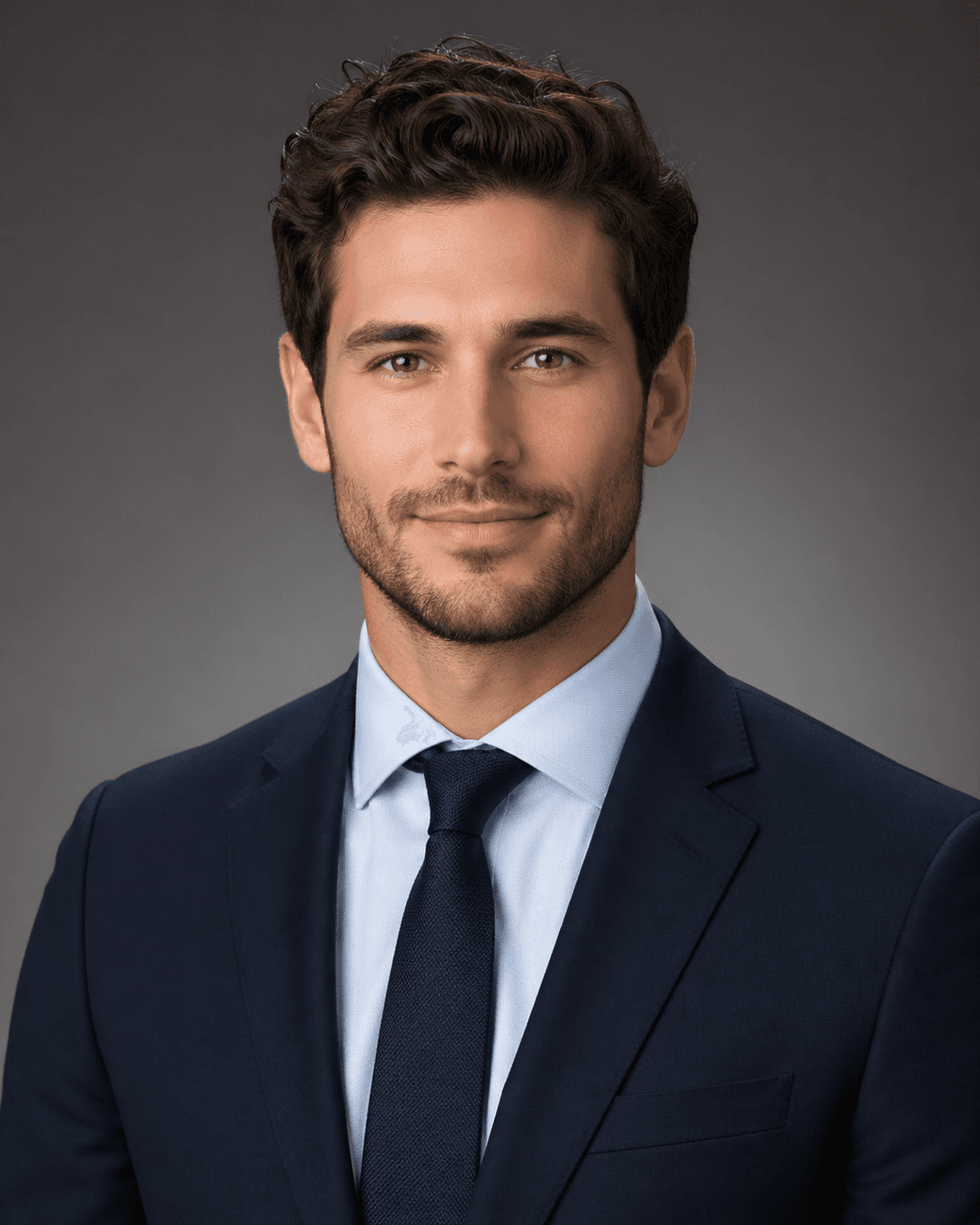
A LinkedIn headshot generator turns a selfie into a professional profile picture with clean lighting, realistic facial detail, and business-ready styling.
If you are looking for a job, your profile picture is often the first impression before a recruiter reads your resume. A polished LinkedIn headshot helps your profile feel more credible, prepared, and easy to trust.
A good LinkedIn headshot should show your face clearly, use clean lighting, and feel professional without looking stiff. The goal is to make a recruiter comfortable taking the next step.
Recruiters scan quickly, so your photo should communicate confidence, clarity, and trust. A polished headshot can support the impression created by your headline, resume, and work history.
Use a front-facing selfie with your eyes visible, a neutral expression or small smile, and no heavy filters. Good source detail helps the final headshot look more natural.
These are the practical questions users tend to ask when they are deciding whether this profile picture style fits their goal, their platform, and the impression they want to make.
What recruiters usually notice first is not whether the tool was AI, but whether the image feels believable. If the photo still looks like you, keeps natural detail, and does not appear overly glossy or artificial, it can work well. The real risk comes when the edit looks too perfect, too generic, or too different from your real appearance.
Professional-looking profile pictures usually rely on restraint. Clear lighting, visible eyes, natural texture, and a calm expression often do more for credibility than strong retouching. People trust a headshot faster when it looks like a strong real portrait rather than a heavily manufactured image.
In most cases, yes. A job-ready headshot solves the most practical problem first and gives you an image you can use across LinkedIn, resumes, company bios, and portfolio pages. Trend-driven avatars can still be useful later, but the LinkedIn headshot is usually the most versatile first asset to create.
Use a front-facing photo with even lighting, a relaxed expression, and no strong beauty filters. The more clearly the source image shows your actual facial structure, the easier it is for the final headshot to feel realistic, current, and recruiter-friendly rather than synthetic.
For most people, the best job-search profile picture is a realistic headshot that feels clear, current, and approachable. Recruiters usually respond better to a believable professional portrait than to anything overly stylized, over-retouched, or obviously synthetic.
Yes, as long as the result still looks like you and feels realistic enough to support trust. Most people are not judging whether the image was AI first. They are judging whether the photo looks credible, current, and appropriate for a professional profile.
Use a photo that makes your face easy to read, keeps the edit restrained, and looks like a strong version of a real portrait. Then support it with a clear headline and updated experience. The headshot does not need to be dramatic. It needs to feel trustworthy.
Use a front-facing selfie with even lighting, visible eyes, and real facial detail. Avoid heavy beauty filters, blur, or harsh shadows. The cleaner the original photo is, the more natural and recruiter-friendly the final AI headshot tends to look.
Usually both. It should feel professional enough to fit LinkedIn, but natural enough that it still looks like a real person and not a stiff corporate stock image. A calm, confident portrait often works better than something either too casual or too overproduced.
No. A clean selfie with good lighting is enough to get started. The real priority is clear facial detail and a believable expression, not expensive camera gear or a formal photography setup.
People who compare this style usually ask practical questions about fit, platform, source-photo quality, and whether the result will still feel like them.
Users want a recruiter-safe answer: clear face, realistic polish, and a trustworthy first impression.
They want professional polish but need reassurance that the image should still resemble them.
They are starting from a normal phone photo and need a practical path to a business-ready portrait.
They care less about novelty and more about credibility, approachability, and job-search context.
Compare LinkedIn headshots, Korean-style profile pictures, 3D figurine avatars, AI action figure avatars, and other popular looks in the full profile picture guide.
Read the profile picture guide