Make it readable at small size
Discord compresses your identity into a small circle. Use a selfie with a clear face and choose styles with strong contrast so the result still reads in chat.
2026 quick summary
Discord Avatar Maker turns 1 clear selfie into a gaming-friendly Discord avatar image optimized for small profile circles for Discord, Twitch, Steam; current generation is free and uploaded photos are not used for model training.
Turn your selfie into a Discord-ready profile picture that stays recognizable in small circles, server member lists, DMs, and gaming communities.
People searching for a Discord avatar maker want a profile picture that looks sharp at small size and fits gaming or community identity.
Discord and gaming communities
server profile identity
cross-platform creator avatars
Discord
Twitch
Steam
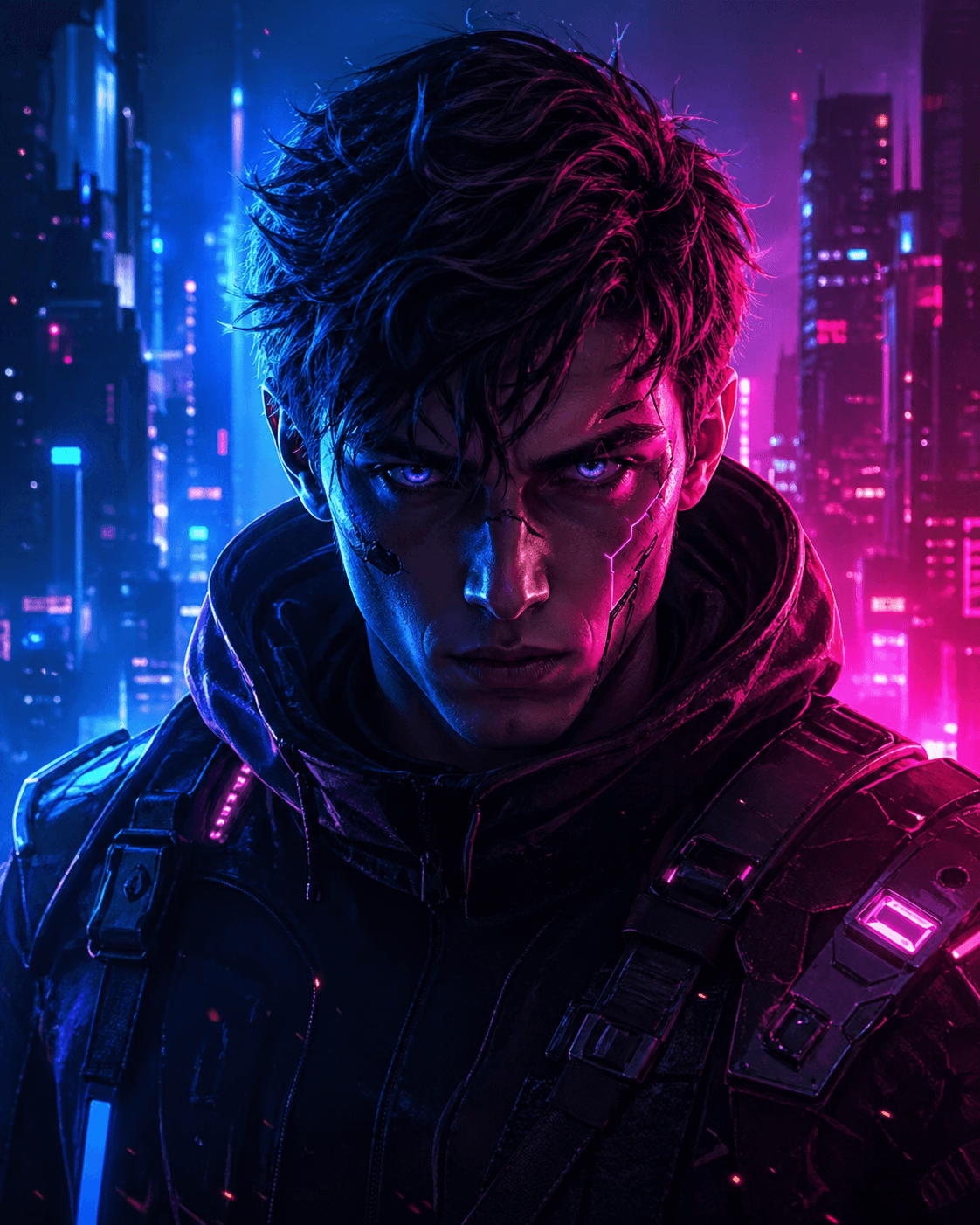
A Discord avatar is a compact profile picture designed to be readable in circles, chat rows, server lists, voice overlays, and community spaces.
Discord avatars are seen repeatedly in conversations. Strong contrast, a clear silhouette, and a recognizable face help your profile feel intentional instead of anonymous or generic.
Discord compresses your identity into a small circle. Use a selfie with a clear face and choose styles with strong contrast so the result still reads in chat.
Gaming and creator servers can handle stylized energy. Work or study servers usually need a cleaner, more approachable portrait.
Text and logos usually disappear at small size. A face-forward avatar with clean lighting is easier for people to recognize quickly.
These are the practical questions users tend to ask when they are deciding whether this profile picture style fits their goal, their platform, and the impression they want to make.
A good Discord avatar has a clear face, strong contrast, and a simple composition that still looks good when cropped into a small circle.
Use a gaming or cyberpunk style for gaming communities, creator servers, and casual spaces. Use a cleaner portrait if the server is professional or tied to school or work.
Yes. A consistent gaming avatar can help people recognize you across Discord, Twitch, Steam, and related communities.
Start with a sharp selfie and avoid busy backgrounds. High-contrast styles usually survive small avatar crops better than low-contrast portraits.
Yes. Upload a clear selfie, choose the Discord avatar style, and generate a profile image that is designed to stay readable in small circular crops.
Discord displays avatars at multiple sizes, so the practical goal is clarity rather than one exact size. Keep the face centered, avoid text, and choose a high-contrast result.
If you want people to recognize you, yes. A face-based avatar gives your profile more identity than a generic game image while still fitting gaming communities.
Yes. The same high-contrast gaming-friendly avatar can work across Discord, Twitch, Steam, and other creator or gaming profiles.
That is the goal. A strong source selfie helps the final avatar preserve your face while adding a sharper gaming profile style.
No. The current product flow lets you try the avatar generator without creating an account first.
BLUF: Optimize for 40px and 128px first. If facial detail is clear at 40px, Discord channels are much less likely to lose identity.
BLUF: Yes for face consistency, but use one server-specific style and one broadcast-specific style if tone or context differs.
BLUF: Gaming and fandom groups tolerate high-contrast stylized visuals; study or professional hubs usually need cleaner facial cues.
People who compare this style usually ask practical questions about fit, platform, source-photo quality, and whether the result will still feel like them.
Users want a fast way to turn their own face into a server-ready profile picture.
They need small-size readability advice before choosing a style.
They want a consistent gaming identity across community platforms.
They are troubleshooting source-photo quality, contrast, and avatar crop clarity.
Users need concrete small-size validation rules for crop and contrast safety.
Users need a 1-to-1 style match by server culture.
Compare LinkedIn headshots, Korean-style profile pictures, 3D figurine avatars, AI action figure avatars, and other popular looks in the full profile picture guide.
Read the profile picture guide