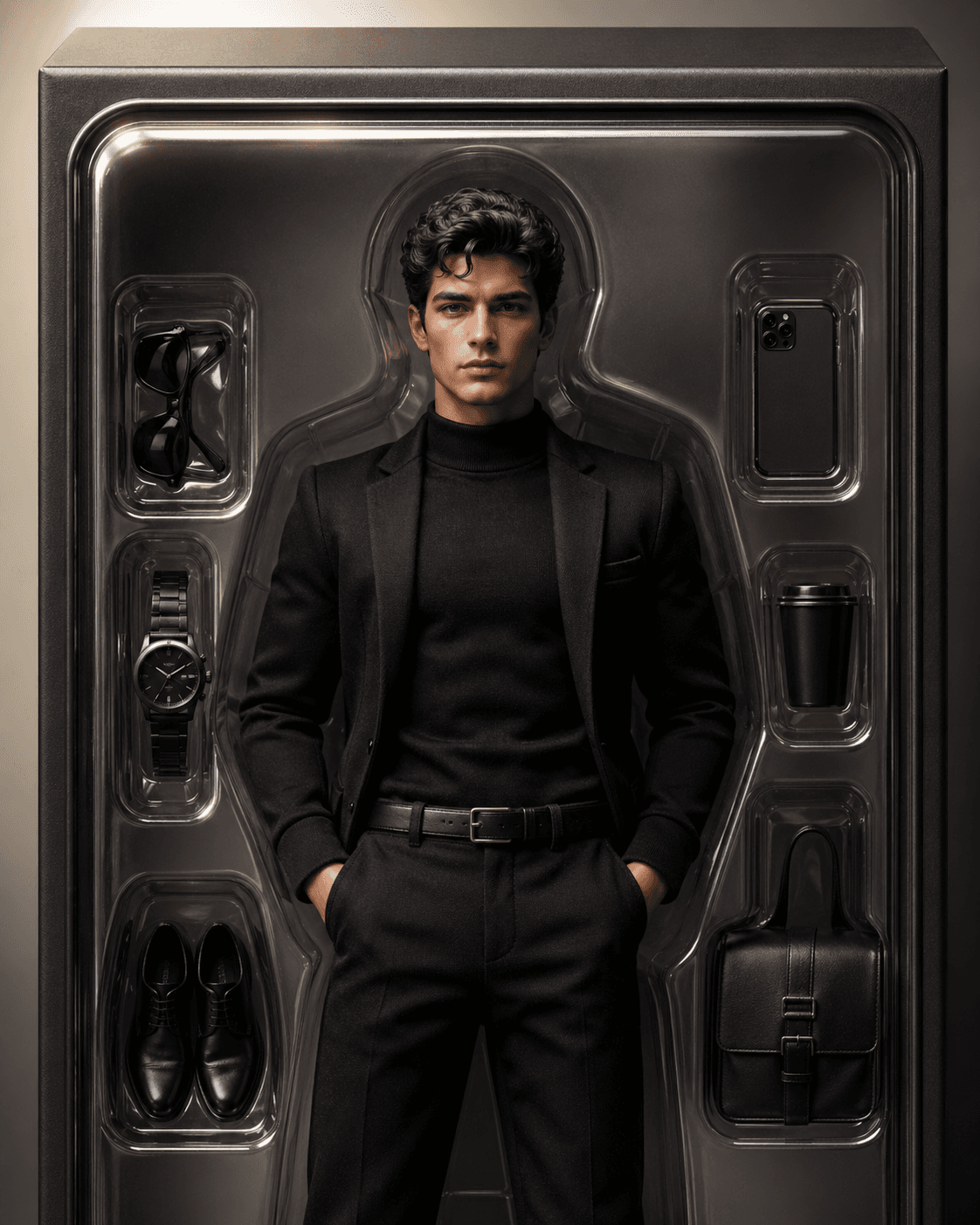
Free to try
Generate a professional headshot, Korean-style profile picture, or viral avatar look for free while the current free generation flow is available.
Browse polished profile picture templates for natural headshots, blind box collectibles, Polaroid candids, K-pop inspired stage portraits, LinkedIn, Discord, Instagram, Korean PFP, 3D figurine, and action figure avatar trends, then upload one selfie to generate that style for free.
The template you choose here becomes the style shown in the upload step.
14 profile picture styles
2026 quick summary
Short answer: TrendAvatar turns 1 selfie into a free AI profile picture in a guided style flow, with 14 public avatar styles and no uploaded-photo training use.
Style selected
A cinematic collectible look for viral profile refreshes.
Your photo is used to generate your selected avatar style, is not used for model training, and is not shown publicly.
Do not upload photos of political leaders, public officials, celebrities, or public figures.
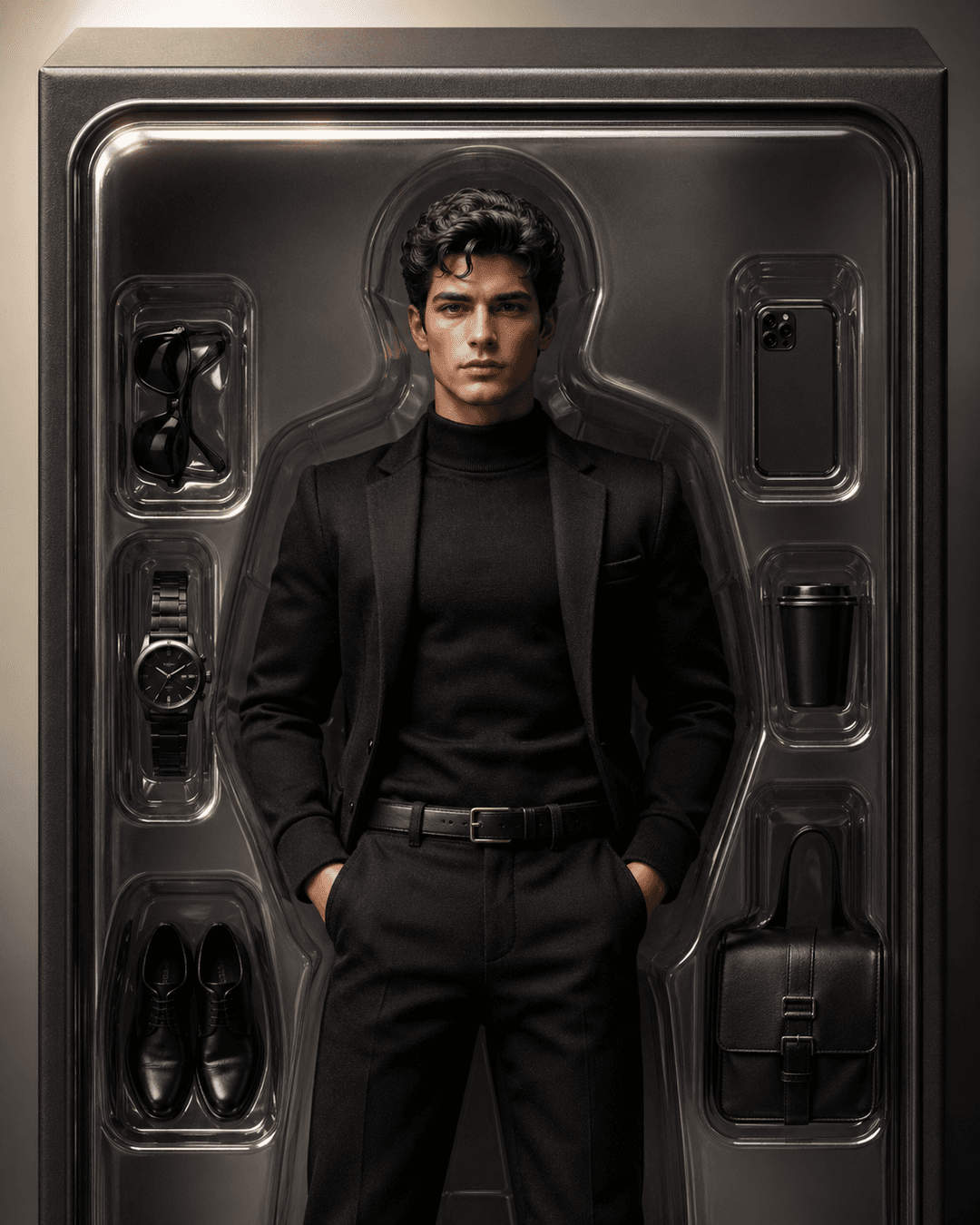
Result preview
The selected template stays visible here before you upload, so you know what you are creating.
Choose the result you want first: a job-ready headshot, a polished social profile picture, or a viral avatar style built from your selfie.
Start here if you want the simplest workflow: upload one clear selfie, choose a style, and generate a free AI profile picture.
If you are looking for a job, start with a profile picture that feels clear, professional, and trustworthy before a recruiter reads your resume.
Create a soft, polished Korean profile picture with clean facial detail for Instagram, messaging apps, and social profiles.
Turn a selfie into a collectible-style 3D figurine image for avatar trending posts, social sharing, and profile pictures.
Make your portrait look like a cinematic collectible action figure with display-box style and viral visual impact.
Compare natural profile photos, blind box avatars, Polaroid candid photos, K-pop stage looks, LinkedIn, Discord, Instagram, and 3D figurine styles before uploading.
Choose a natural profile photo or solid color headshot when credibility, client trust, and small profile crops matter more than a viral effect.
Most people are not just looking for an avatar effect. They are trying to solve a specific profile-picture problem: looking professional, looking polished, joining a trend, or choosing a style that will not feel wrong later.
Start with a realistic LinkedIn-style headshot. It should look like you, feel current, and make your face easy to trust at a glance.
Read job-search guide
Yes. A one-selfie avatar workflow works best when your face is sharp, front-facing, and not hidden by filters, sunglasses, or harsh shadows.
Read one-selfie guide
Choose the Korean profile picture style if you want soft lighting, cleaner detail, and a refined look for Instagram, messaging apps, or personal branding.
Open Korean style
Use a 3D figurine, AI action figure, blind box avatar, or K-pop inspired stage portrait when the goal is a memorable social post, a temporary avatar refresh, or a collectible version of your selfie.
Compare viral styles
Use the guide when you are comparing professional, social, creator, gaming, and trend-driven avatar styles before uploading a selfie.
Read the guide
Use the comparison guide if you need a professional photo for trust but also want a stylized avatar for social identity or creator presence.
Compare both options
Use the comparison guide before choosing: 3D figurines are softer and everyday-friendly, while action figures are louder and more collectible.
Compare 3D styles
Use the social profile picture guide to choose between polished, glam, anime, cyberpunk, and trend-driven looks without making the result feel fake.
Choose by platform
Read the full profile picture guide for job search, LinkedIn, Korean-style social photos, 3D figurine avatars, AI action figure avatars, and other viral avatar styles. It is designed to answer the real questions people ask before they upload a selfie.
Read the profile picture guideIf you are comparing AI avatar tools, start with the questions that matter most: quality, platform fit, privacy, rights, and how much control you need.
Learn how to keep skin texture, eyes, glasses, lighting, and background details natural enough for real profile use.
Choose styles for LinkedIn, resumes, GitHub, TikTok, Instagram, creator profiles, teams, and serious industries.
Understand photo handling, model-training questions, commercial use, deepfake risk, watermarks, GDPR, refunds, and likeness rights.
Explore cinematic, retro-futurist, blind box, 3D virtual human, minimalist, cyberpunk, and pet avatar ideas without copying protected identities.
Compare a guided selfie-to-avatar workflow with prompt-based image generation when your goal is a usable profile picture.
Learn what one-photo generation can and cannot do, which selfie works best, and how to keep the result recognizable.
Decide when to use a realistic headshot, a polished social profile photo, or a stylized avatar.
Compare the two toy-inspired avatar trends before choosing the one that fits your platform.
Understand the difference between soft K-style social polish and stage-inspired creator styling.
Pick a style
Upload selfie
Generate and download
Uploading a selfie is personal, so the basics should be clear before you try a style.
Generate a professional headshot, Korean-style profile picture, or viral avatar look for free while the current free generation flow is available.
You can move from selfie upload to avatar generation without creating an account first.
Uploaded selfies are used for your selected avatar style, not for model training or public galleries.
Yes. TrendAvatar currently lets you generate avatars for free.
No signup is required.
The best profile picture for job searching is clear, professional, and approachable. Your face should be easy to see, with clean lighting and a polished look that feels trustworthy to recruiters.
Yes. An AI headshot can work for LinkedIn when it looks realistic, professional, and still resembles you.
A professional profile picture has good lighting, a clear face, a simple composition, and a confident expression. It should support the impression you want to make before someone reads your profile.
Use a clear front-facing selfie with good lighting.
Your photo is used for the avatar style you select, is not shown publicly, and is not used to train TrendAvatar models.
Yes. The generated avatar is made for social profile use across those platforms.
TrendAvatar is for personal selfies only. Do not upload photos of political leaders, public officials, celebrities, or other public figures for image transformation.
Want a longer answer about job-search photos, LinkedIn headshots, Korean profile pictures, 3D figurine avatars, and action figure trends? Read the full guide.